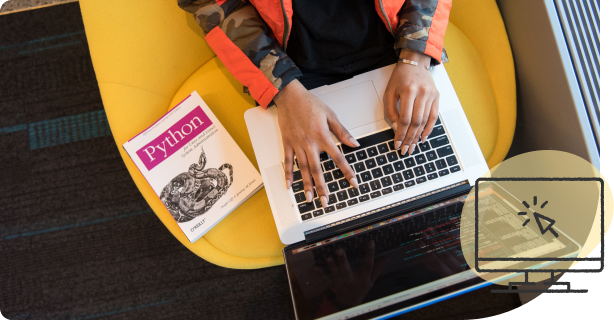
Coding with Mini-Ivy (Scratch and Python)

Online during the school year. Coding is taught online, at your child's own pace, with lessons and a hands-on Python workspace they can use from home. It is not part of our weekday after-school timetable, which is Math and English / ELA. Scratch and Python also run in person at summer camp.

Each lesson keeps the core concept on screen with the key points beside it, so a student can follow the explanation or watch the animation for the same idea, whichever helps more.

Mini Ivy - science Mini Ivy - science
checkmark

Coding using Scratch (Ages 6-9)

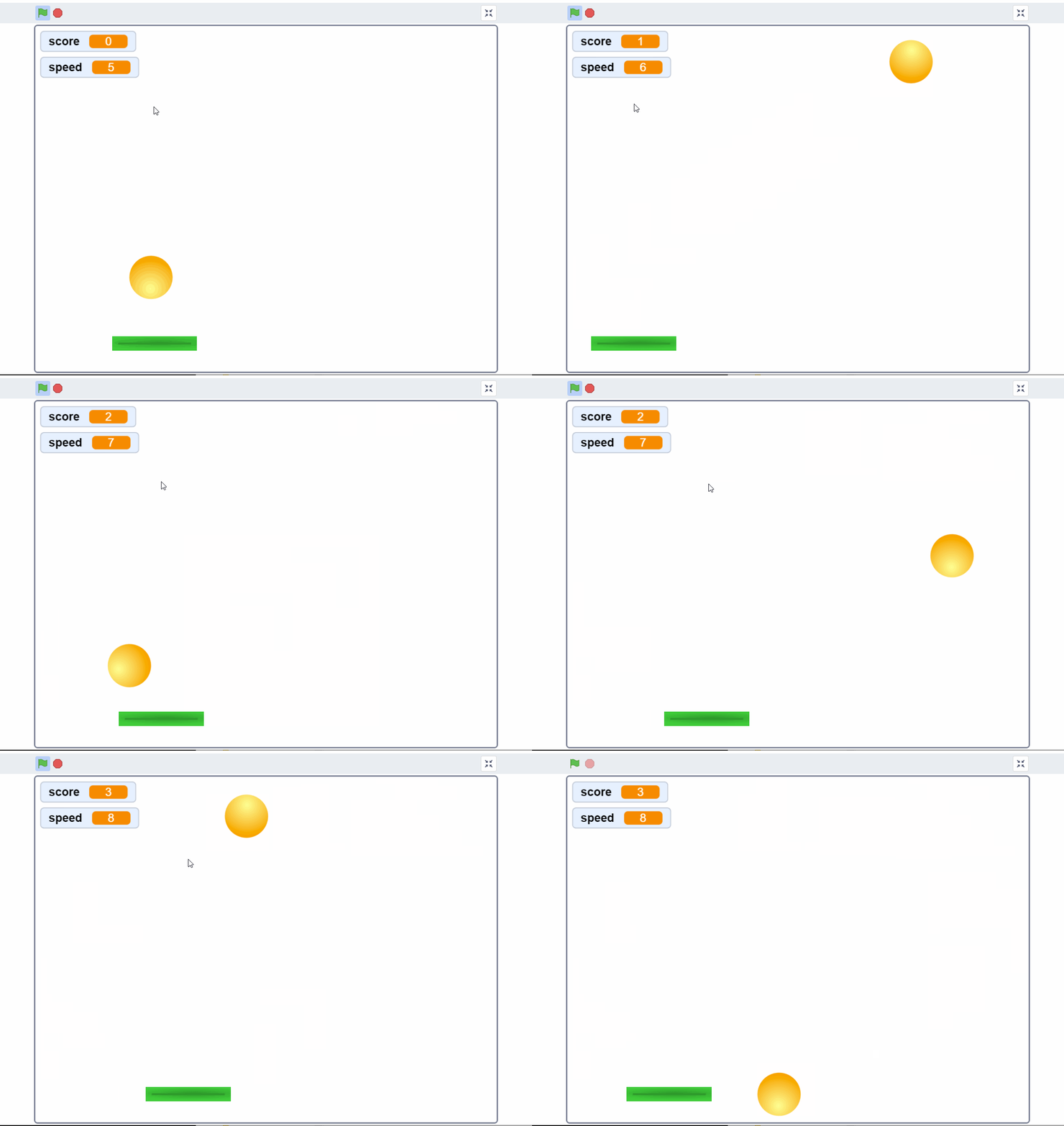
Each class is independent. Material is carefully designed after thoughtful consideration to engage students in different activities such as animation, creating their own games, creation of puzzles and mathematical concepts using block-coding. Students will build a good foundation on the fundamentals of programing. These skills will help them in doing Micro: bit robotic projects.

checkmark

Coding using Python (Ages 9-11)

Each class is built upon the previous class. Material is carefully designed to engage students and develop their curiosity to solve different mathematical problems. Students will develop a solid foundation on different aspects of programing. Building upon these skills, students would be able to solve most of the grade 4-8 math problems using Python.

Skills learned in Technology classes

icon Scratch
icon Logic
icon Python
icon Solve math problems through coding

Technology Courses Materials

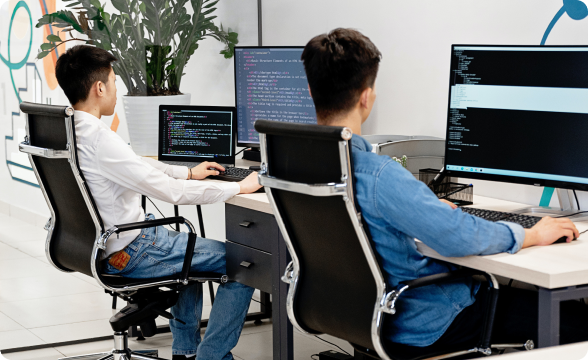
We provide state-of-art computers with Windows Enterprise edition in a safe environment, ultra-high definition and 4K screens for a comfortable learning experience.

Mini Ivy - technology

What a Mini-Ivy coding session actually looks like

Not a description of our teaching — the teaching itself, taken straight from the Python Intro course.

Explaining why computers are literal

The computer only knows the names you gave it

  • You save a number under a name: score = 10
  • Later you ask for it back, but you type Score with a capital S
    • Would you know what was meant? Of course
    • Would Python? No
    • It answers NameError: name 'Score' is not defined
  • Python looks up names letter for letter. score and Score are two different names

A nine-year-old meets the error before it can frighten them, and learns to read what it actually says.

And then they write the code

Jupyter Notebook

# turn text into a number
int("4")

Out: 4

Students run real Python in a real notebook from the first session. Online, Python runs as six levels: every level has lessons and a coding workspace, and levels 1-3 also have practice question banks today. Scratch runs alongside for younger children.

Mini Ivy

Ready to begin your Mini-Ivy story?

Register now
image
image
image
image
image